




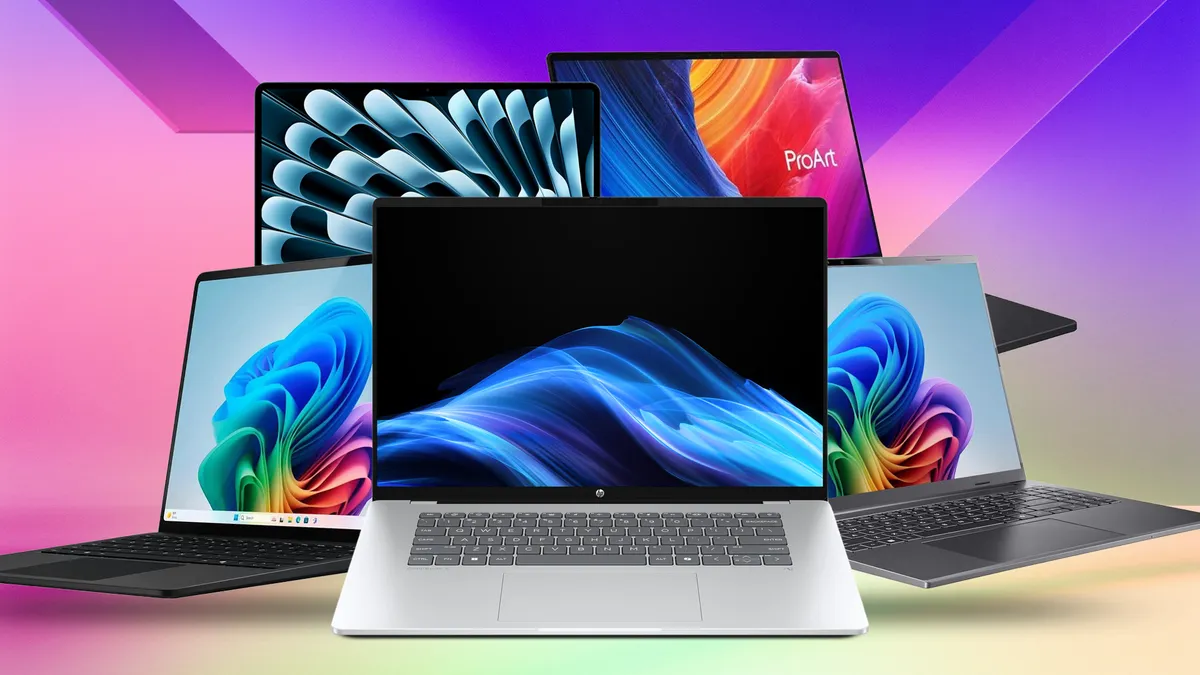
Let’s be honest — finding a solid laptop without spending a fortune can feel like hunting for a unicorn. But in 2026, there are more great budget options than ever before. Whether you’re heading to class, working from home, or juggling Zoom meetings and essays, there’s something here for everyone.
1. Acer Aspire 5 – The Everyday All‑Rounder
If you want a laptop that just gets stuff done, the Acer Aspire 5 is a crowd favorite. It won’t blow your mind with flashy specs, but it handles the basics like a champ. Think web browsing, writing reports, streaming videos, and Zoom calls — all without lag.
What I love about it is how balanced it feels. You get a decent 15.6″ screen, good battery life, and enough storage to keep your files without feeling cramped. It’s one of those machines that just makes sense for students and workers alike.
2. Lenovo IdeaPad 3 / IdeaPad 3i – Best for Tight Budgets
When every dollar counts, the Lenovo IdeaPad 3 (or 3i) is worth a look. It’s simple, solid, and gets the job done without fuss. Browsing, emails, documents, research — all smooth enough most of the time.
It’s not going to run heavy video editing software or high‑end games, but honestly? Most of us don’t need that for work or school. If your priority is value over bells and whistles, this one’s a strong pick.
3. HP Pavilion x360 – Flexibility for Less
Love the idea of a 2‑in‑1 convertible? The HP Pavilion x360 mixes laptop and tablet vibes in one package. That touchscreen and folding hinge make it great for taking notes in class, drawing diagrams, or watching videos lounging on the couch.
It isn’t the fastest machine ever, but for everyday tasks and light multitasking it’s solid — and the versatility just adds a bit more fun to the experience.
4. Chromebook Options – Simple and Long‑Lasting
If you’re mostly online — Google Docs, research, videos, email — a Chromebook can be a fantastic budget choice. Many models offer long battery life and boot up lightning fast.
They’re not ideal for heavy software, but for most study and work tasks? They’re perfectly capable and often cheaper than Windows laptops.
5. ASUS VivoBook Series – Bigger Screen for Productivity
For a bit more screen real estate without blowing your budget, the ASUS VivoBook line is worth checking out. You get a larger display which feels great when juggling spreadsheets, writing long assignments, or keeping lots of windows open at once.
Performance stays respectable, and honestly, the keyboard and build quality feel nicer compared to some other budget picks.
Quick Tips Before You Buy
Here’s what I would personally keep in mind when hunting for a budget laptop in 2026:
- Aim for at least 8GB of RAM. Anything less, and you’ll notice slowdowns sooner than later.
- Battery life matters more than raw speed if you’re on the go.
- Think about what software you actually need — ChromeOS is fine for a lot, but Windows gives you the widest compatibility.
- Sales and student deals can seriously sweeten the price!
Final Thoughts
Budget laptops today are better than ever. You don’t have to settle for something sluggish just because you’re watching your wallet. Whether you pick a balanced everyday machine like the Acer Aspire, something flexible like the Pavilion x360, or a lean Chromebook if you’re always online — there’s a good option out there for you.





Leave a Reply